
Marketing and training often ask people to imagine what a product or process can do. A screenshot, video, or live presentation helps. But there is a real difference between seeing a demonstration and trying it yourself. A hands-on demo makes marketing more effective: instead of only describing a product, you invite someone to try it. And it makes training more practical: a learner can move from reading instructions to exploring a practice environment.
A good demo has a clear purpose: it gives people a chance to try or explore something that matters to them. It should be easy to start and relevant to the content around it. For example, a product page might invite visitors to try a representative workflow, while a training article might offer a practice environment alongside the instructions. Even a short, focused activity can help turn an explanation into a hands-on experience.
While JavaScript and WebAssembly are excellent tools for adding demos to your content, some demos depend on a full server-side environment that cannot practically run in a visitor’s browser. Drupal Forge provides instant launchers for cloud-hosted demo sites, giving each visitor an individual environment.
Drupal Forge launchers bring demos into content
Drupal Forge demo launchers can now be embedded in content, giving viewers a direct path from reading about something to trying it. An embedded launcher lets visitors start a demo from the page they are already reading. It can fit in a marketing page, a tutorial, or anywhere a hands-on example would help. For example, you can launch the Drupal AI demo right here:
Embedding a launcher with HTML
Embedding a launcher requires adding its custom HTML element and loading the launcher script. For example, this code embeds the Drupal CMS launcher:
<webform-component
  templateid="71"
  relay-url="https://www.drupalforge.org/modules/contrib/embed_relay/relay.html">
</webform-component>
<script
  src="https://www.drupalforge.org/modules/custom/starshot_core/assets/js/webform-component-embed.js"
  defer="">
</script>
This example loads JavaScript hosted by Drupal Forge, so it exposes the site to the risk that an external site could load insecure code. And it adds the risk that content authors could post custom HTML tags and scripts that compromise site security.
Embedding a launcher in Drupal with a simple token
Drupal Forge Token addresses both risks. The module serves JavaScript from your own site, rather than loading it from Drupal Forge. And instead of posting custom HTML tags and scripts, authors enter a simple text token:
[drupalforge:71]
The number 71 identifies the Drupal Forge template for the launcher. Drupal Forge Token replaces the token with the launcher and attaches its JavaScript.
What could you do with an embedded launcher?
Here are some ideas for how hands-on demos can enhance pages people already use.
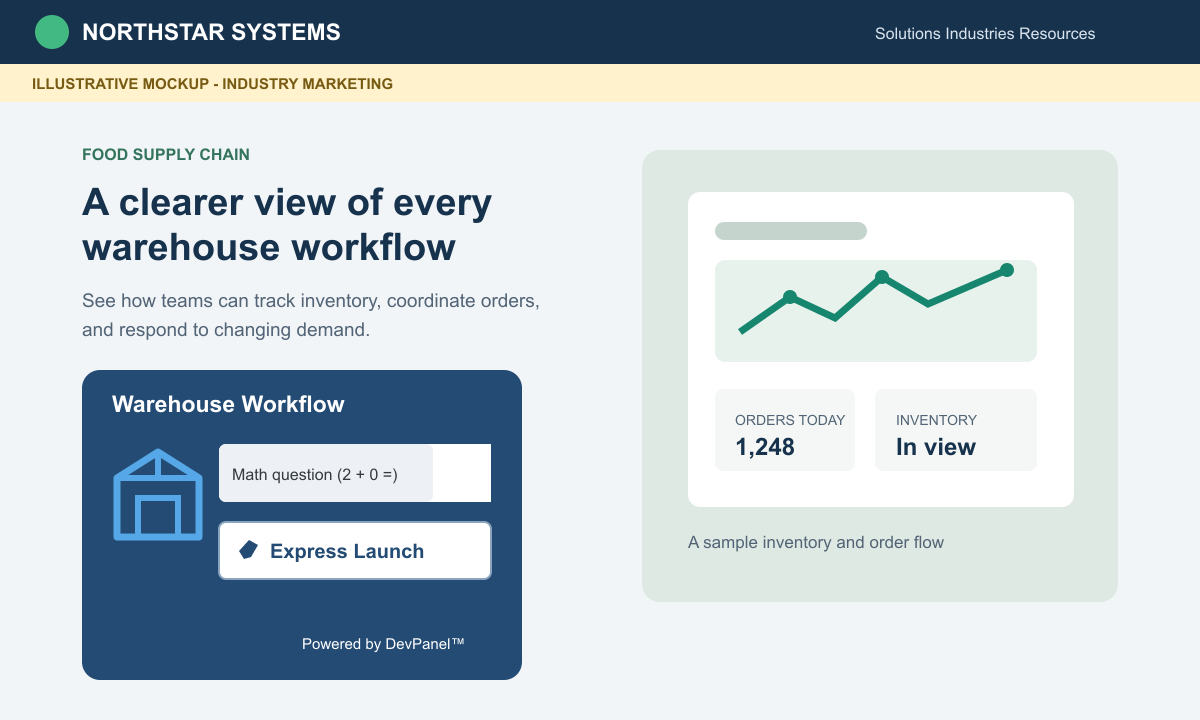
An industry-specific product page
A marketer could promote a specialized site or service to an industry segment and let visitors try a relevant workflow right from the page.
A progressive course
A trainer could pair a sequence of hands-on demos with course lessons, letting learners practice each step before moving to the next.

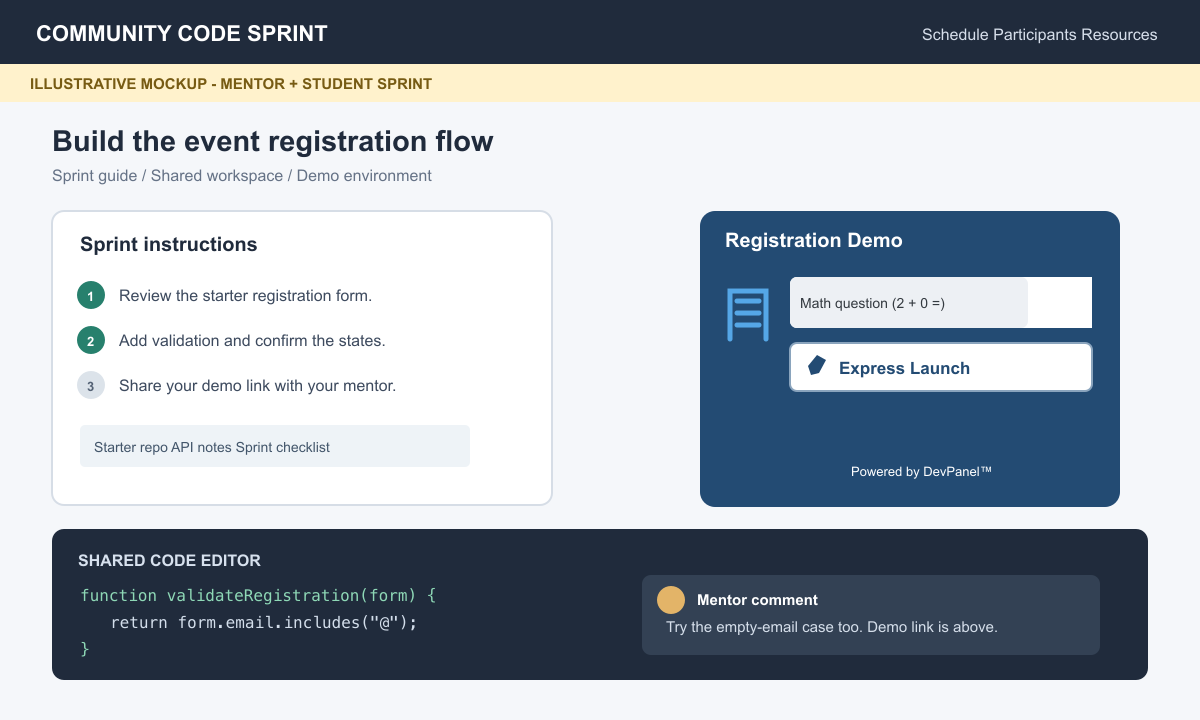
A mentor-guided code sprint
A mentor and student could use a launcher on the sprint instructions and resources page, keeping their demo and collaboration in one place.
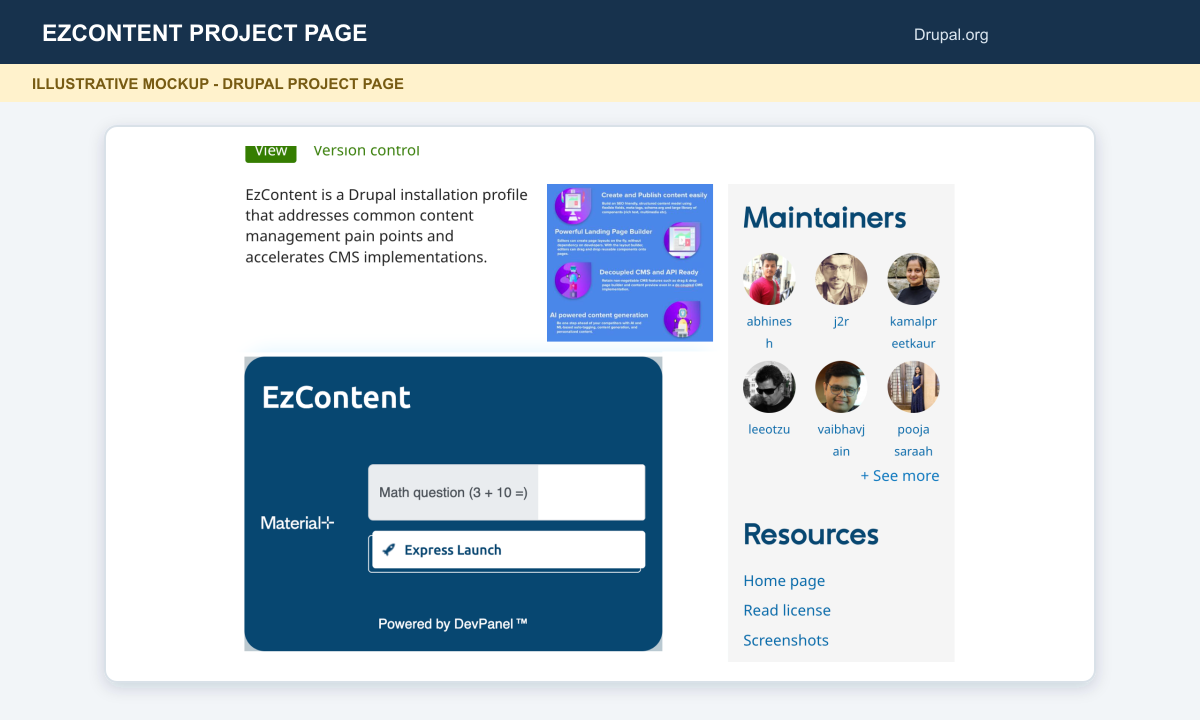
A Drupal project page
A Drupal developer could add a launcher to a project page, giving visitors a way to try a hands-on demo alongside the project description.
A developer portfolio
A developer could feature launchers on portfolio projects, letting prospective collaborators explore examples of their work.

Try it yourself
If you want to add a demo launcher to your content, explore Drupal Forge Token on Drupal.org. To create your own demo, browse the public Drupal Forge demos on GitHub for examples and start with the starter template. You can ask for help in the #drupalforge Slack channel. You can reach me directly at my Drupal.org contact form.
While Drupal Forge is dedicated to promoting Drupal, its platform can be used to launch any kind of demo. If you want to demonstrate something other than Drupal, I’d be glad to help set up the platform for you.